Spiega documentation
- Knowledge sharing
- Portfolio
blender tricks
blender tricks
Here is a collection of blender tricks I always forget about
render options
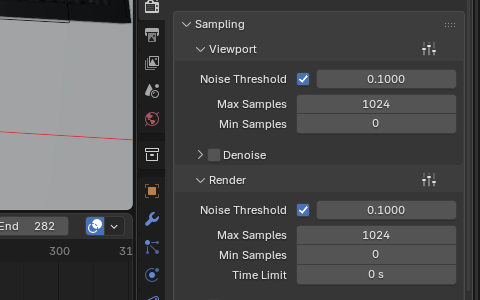
- Sampling
- noise and sample number
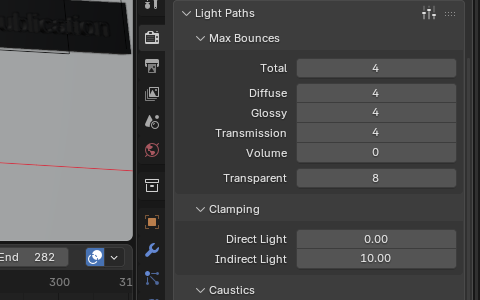
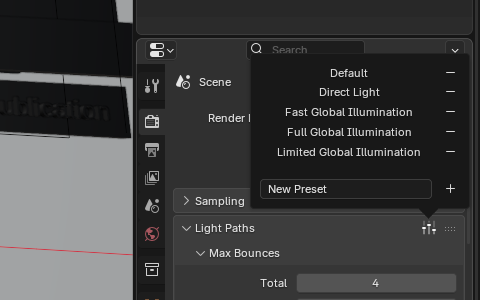
- Light paths
- from 12 to 4
- illumination
- limited
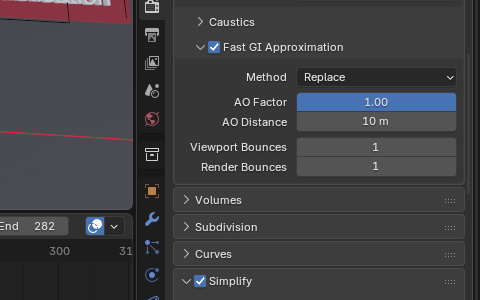
- fastGI
- fast global illumination approximation
- light tree
- for multiple sources
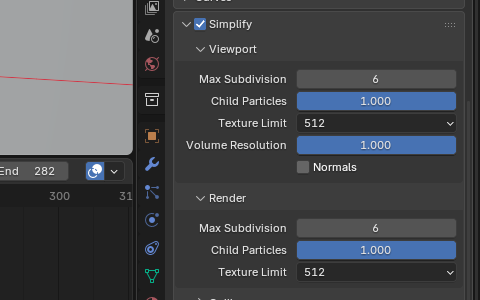
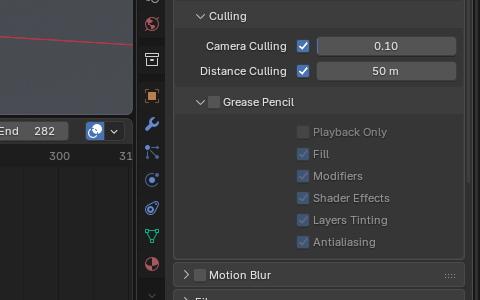
- Simplify
- texture limit to set
- camera culling
- only the objects in view are rendered
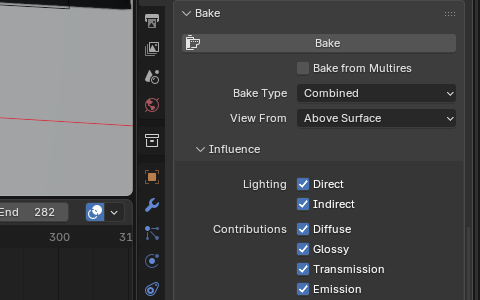
- bake
- the texture once (for procedural texture)
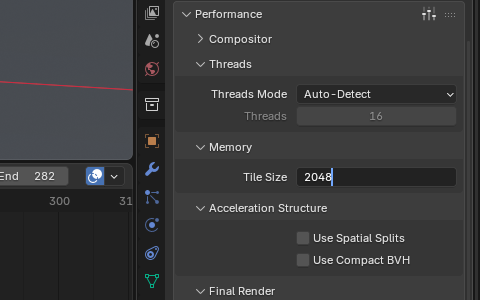
- memory
- lower tile size
- persistent data
- turned on
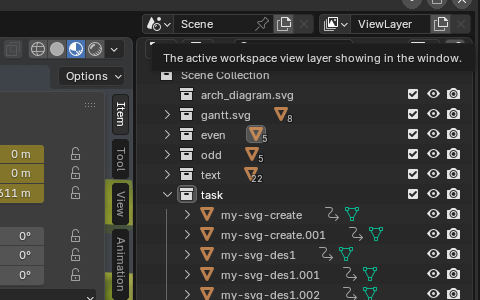
- layer
- separate collections into layers
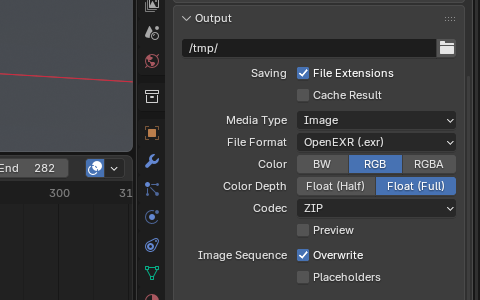
- output
- exr image (faster than png)

lights
- sun
- the most performant
- point/area
- ok
- mesh light
- low performance
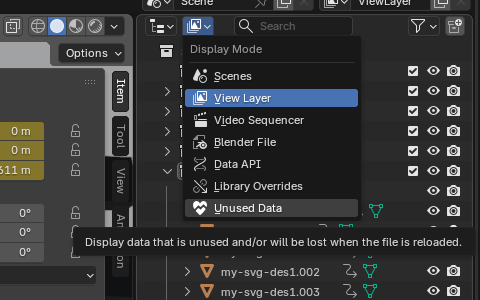
clean up
Purge data

preferences
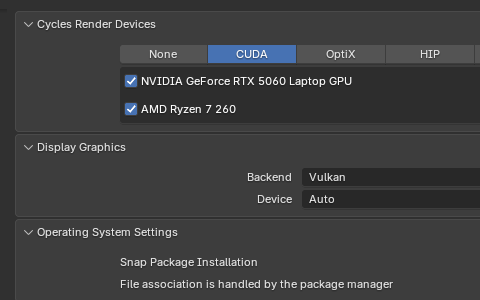
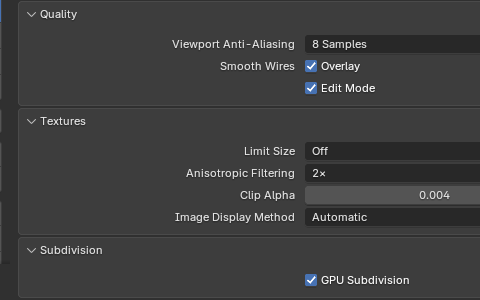
Edit -> preferences ->
- system
- Enable cuda
- viewport
- subdivision
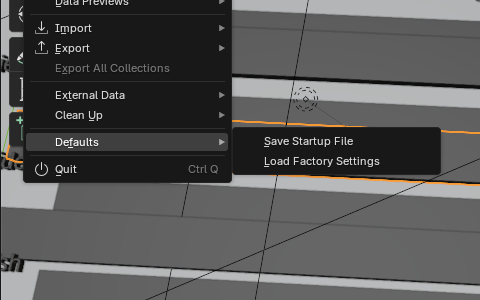
Save startup file
mesh
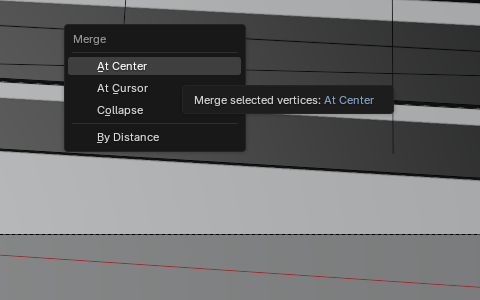
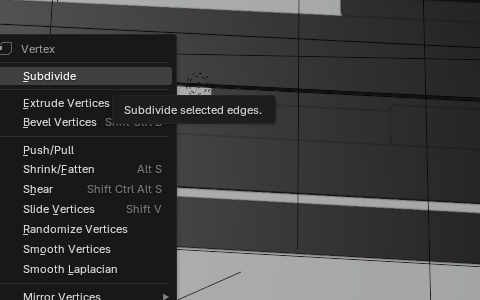
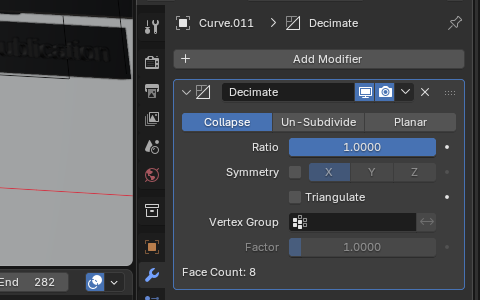
Simplify mesh: Edit [tab] -> [m] Subdivide: Edit [tab] -> [right click] Decimate: modifiers -> decimate
duplicate
duplicate -> [shift-d] instance -> [alt-d]
view
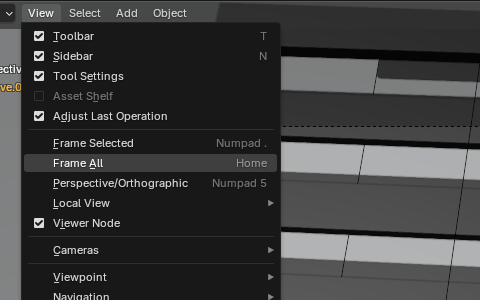
Reset orbit rotation: object -> view -> frame selected
apply to multiple objects
Apply properties (keyframes, materials, nodes…) to multiple objects
Link data : [Ctrl-l]
Or edit the field and press [Alt-Ret] to apply to all selected objects
image to video
cd ~/VideoProd/vfx/render/ffmpeg -y -framerate 24 -i render%04d.png -c:v libx264 -r 30 output.mp4#ffmpeg -y -f image2 -r 5 -i tmp/img%04d.jpg -s 1080x780 -vcodec mjpeg -vcodec libx264 -r 25 out.mp4mv output.mp4 ..
comfyUI
comfyUI allows to creates ML pipelines to produce useful assets for blender:
- rotoscopy
- Gaussian splats